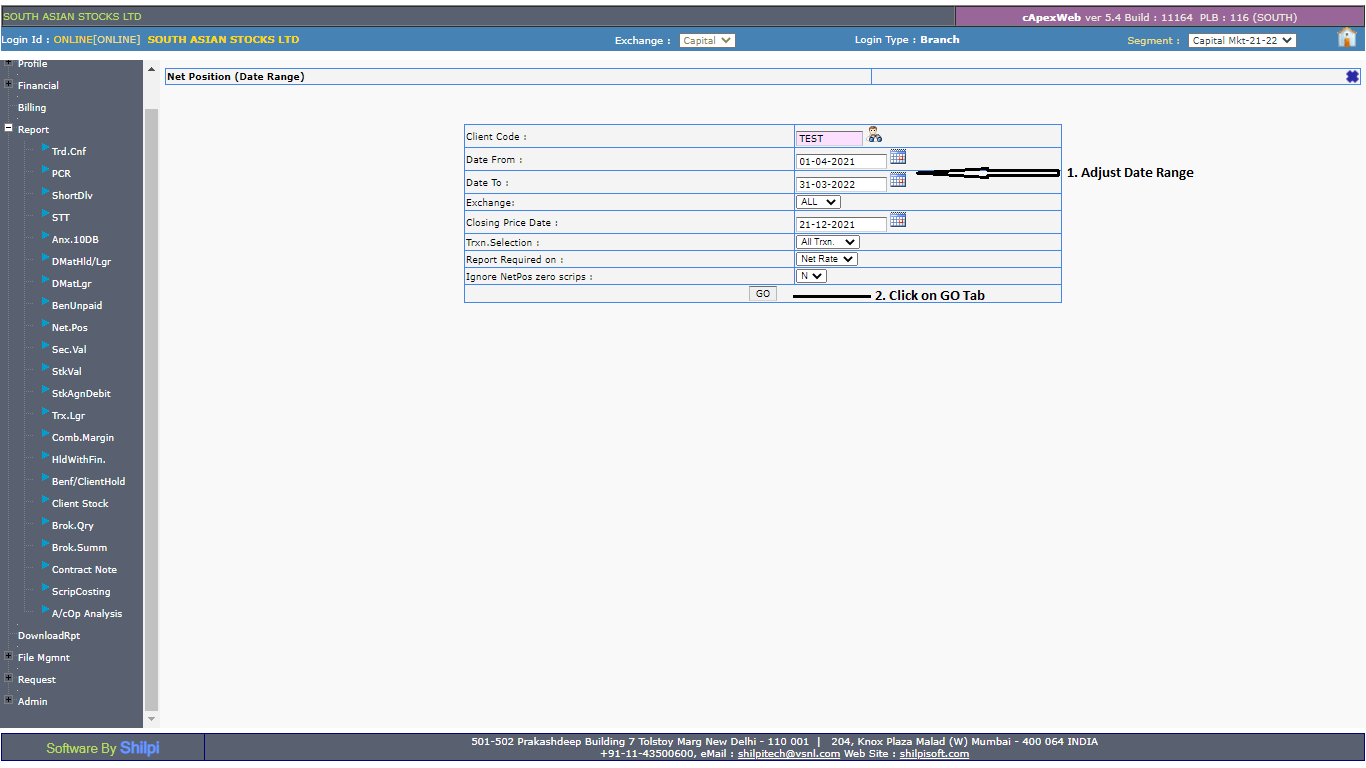
To download the Profit and Loss Statement for the current year, log in to the Back Office and refer to Net Position under the Reports section.
Steps to check the Net Position:
-
Log in to the Back Office, select the current financial year, and click on Reports.

-
Select Client Scrip-wise (in the date range).

-
Enter the date range and click on the GO tab.