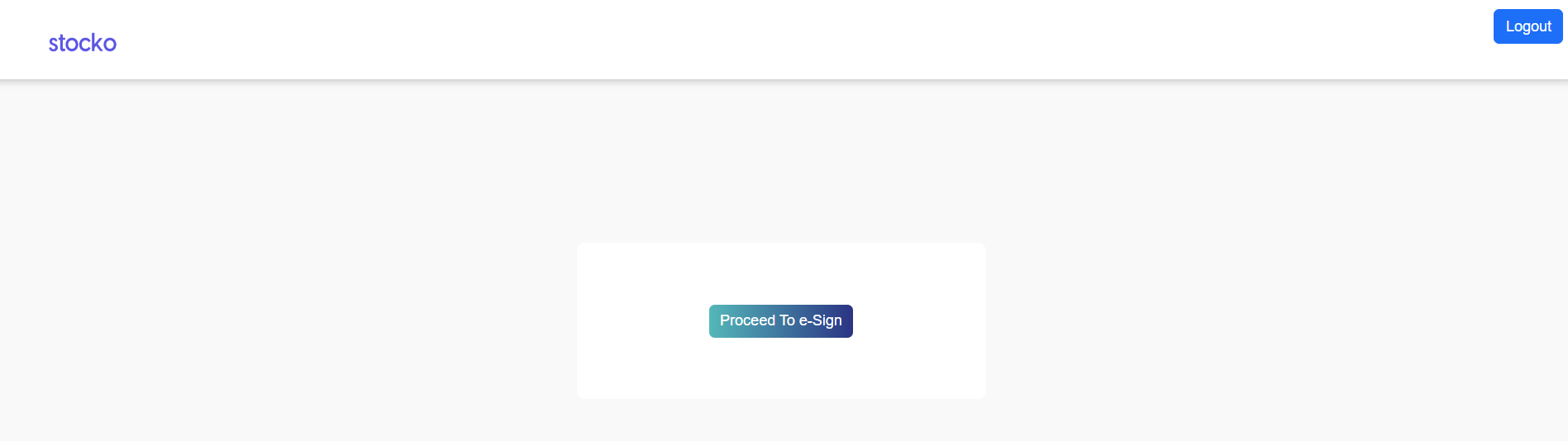
We’re sorry to hear that you wish to close your account with us. If you don’t mind, could you please provide us with your feedback at Support@stocko.in on why you have chosen to close your account? Your input is valuable and will help us improve our services.
To close your trading and Demat account online, kindly follow the steps mentioned below:
Note-
- Kindly ensure that any debit balance in your account is cleared before proceeding with the account closure.
- Upload Digitally Singed Client Master Report (CMR) for share transfer (If any)
Step 1: Access the Account Closure Portal
- Open the online Account Closure portal using the this Link.
- Enter your Client Code, select the Reason for Closure, and verify the OTP sent to your registered mobile number & mail id.
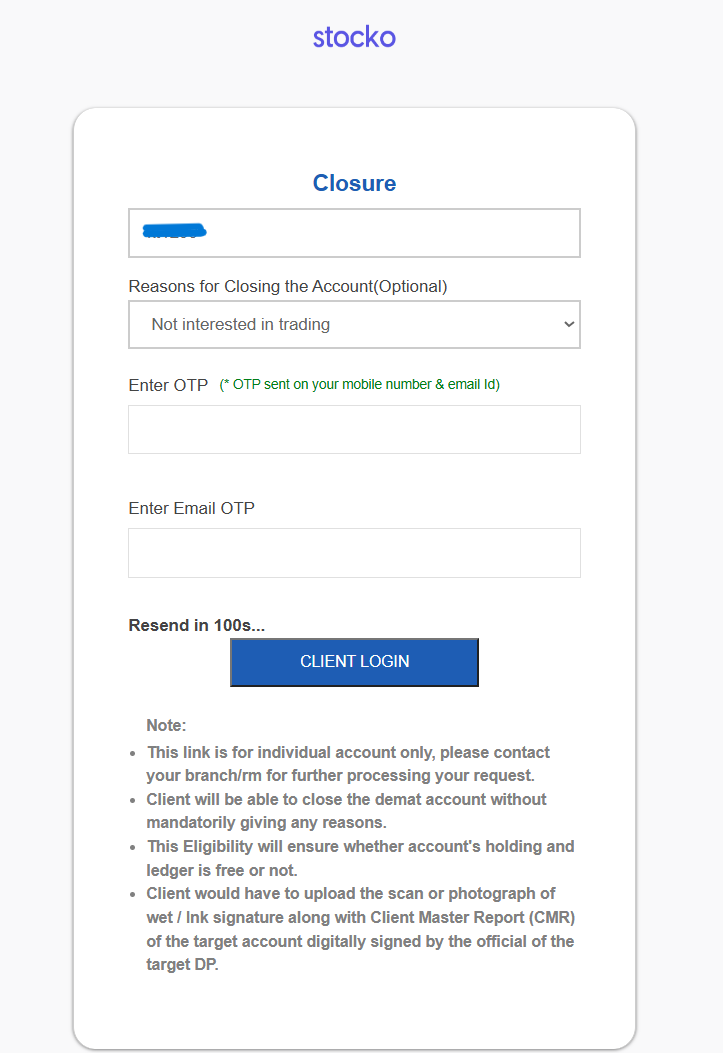
Step 2: Select Account Type
- Choose the type of account you wish to close:
- Trading Account
- Demat Account
- Both Trading & Demat

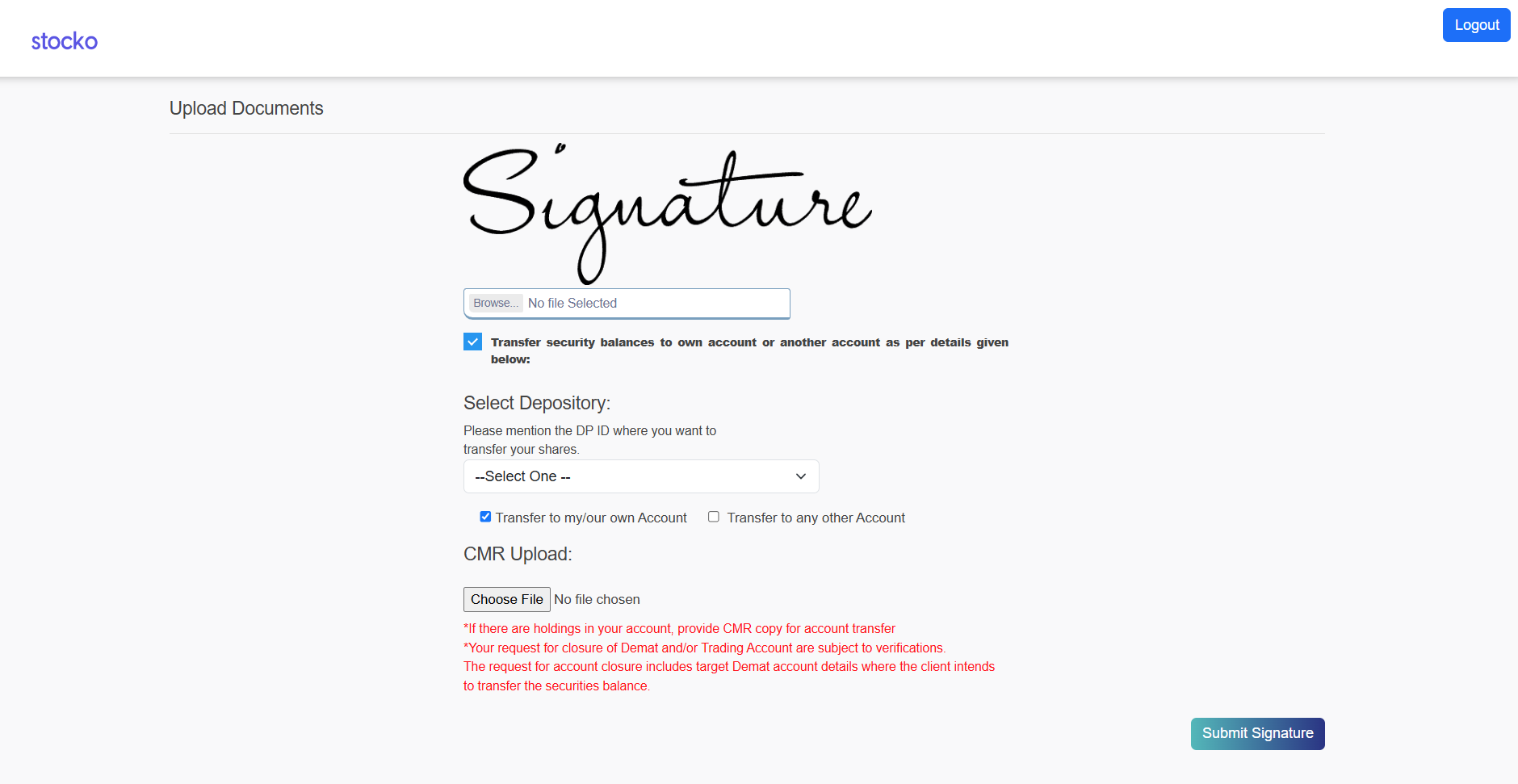
Step 3: Upload Signature & Demat Transfer (if applicable)
- Upload your Signature as required.
- Note:
- If you hold securities in your Demat account, tick the option “Transfer security balances to own account.”
- You will then need to upload a digitally signed CMR copy of your third-party demat account for the transfer.
Step 4: E-Sign and Submit
- Complete the E-Sign process to submit your account closure request.