To keep your trading and demat account active and compliant with regulatory guidelines, it’s important to complete the Re-KYC process. Follow the steps below to update your information quickly and securely through our online portal.
Step 1: Access the Re-KYC Portal
- Open the online Re-KYC portal using this Link.
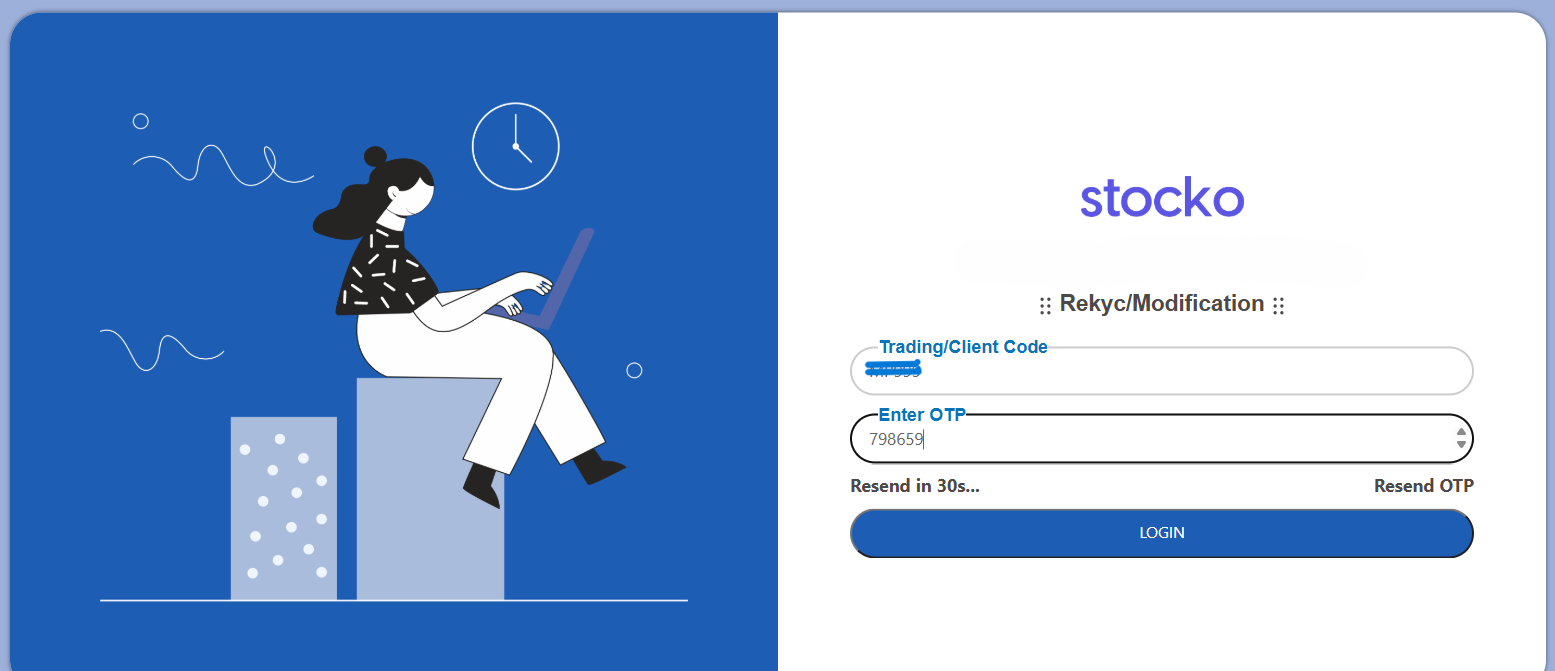
- Enter your Client Code and verify the OTP sent to your registered mobile number and email.
Step 2: Personal Details
- Fill in the required personal details.
- You may also request modifications to your Email ID, Mobile Number, and Address in this section.
Note:- Address Confirmation/Verification is mandatory in this section.

Step 3: Bank Details Update
- You can add or update your bank account details in this section.

Step 4: Segment Selection
- Select the trading segments you wish to activate (e.g., Equity, F&O, Commodity, Currency).

Step 5: Nominee Details
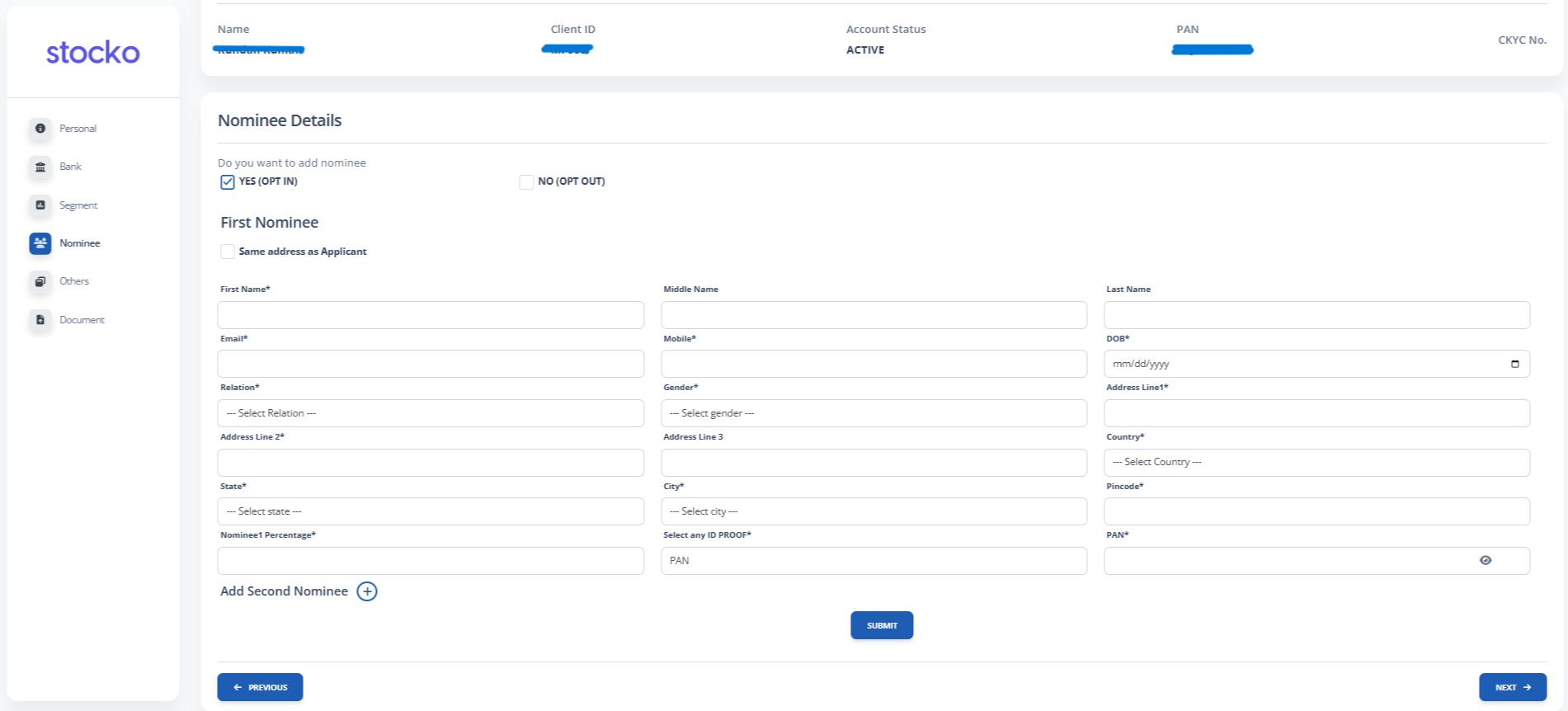
- Choose to Opt-In or Opt-Out for a nominee.
- If opting in, provide the nominee’s required information.
Step 6: Other Details
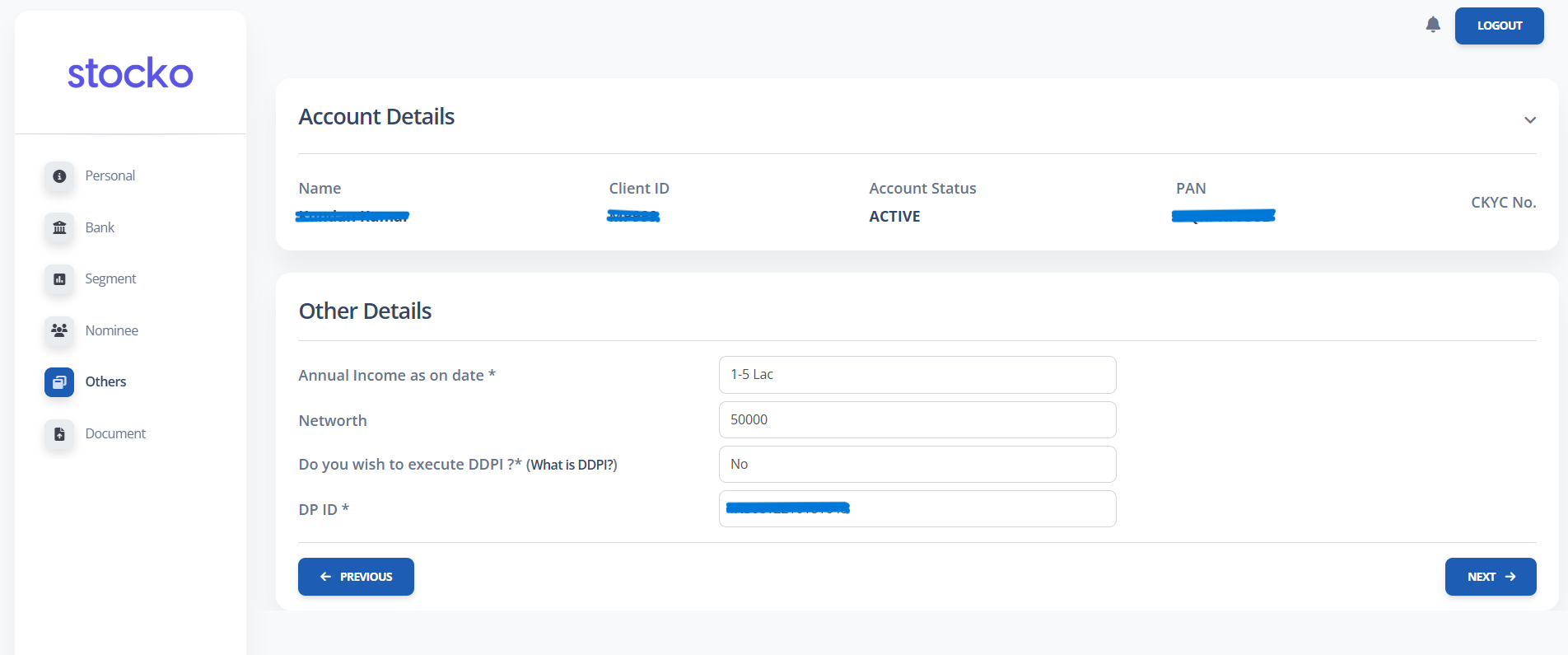
- Update your Annual Income and Net Worth information in this section.
Step 7: Document Upload
- Upload the necessary documents as prompted.
- Follow the DigiLocker process for secure verification and submission.

Step 8: E-Sign Process
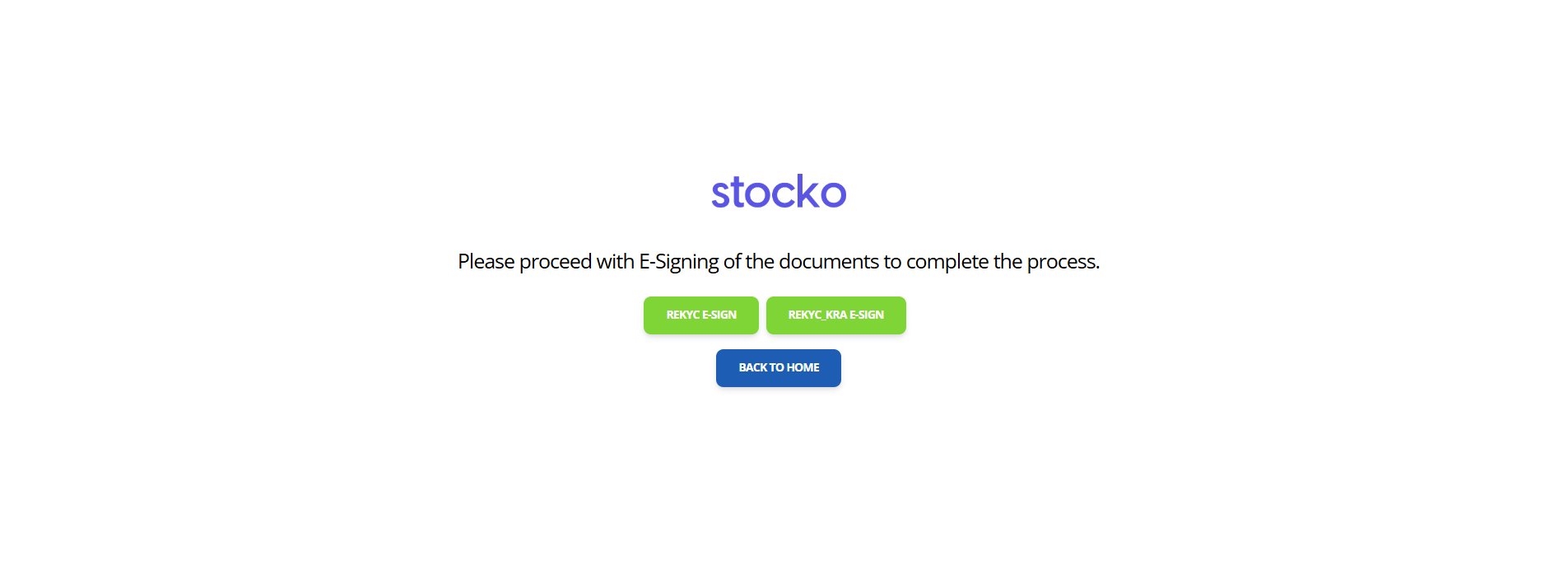
- Complete the REKYC and REKYC_KRA e-signing steps to finish the process successfully.