

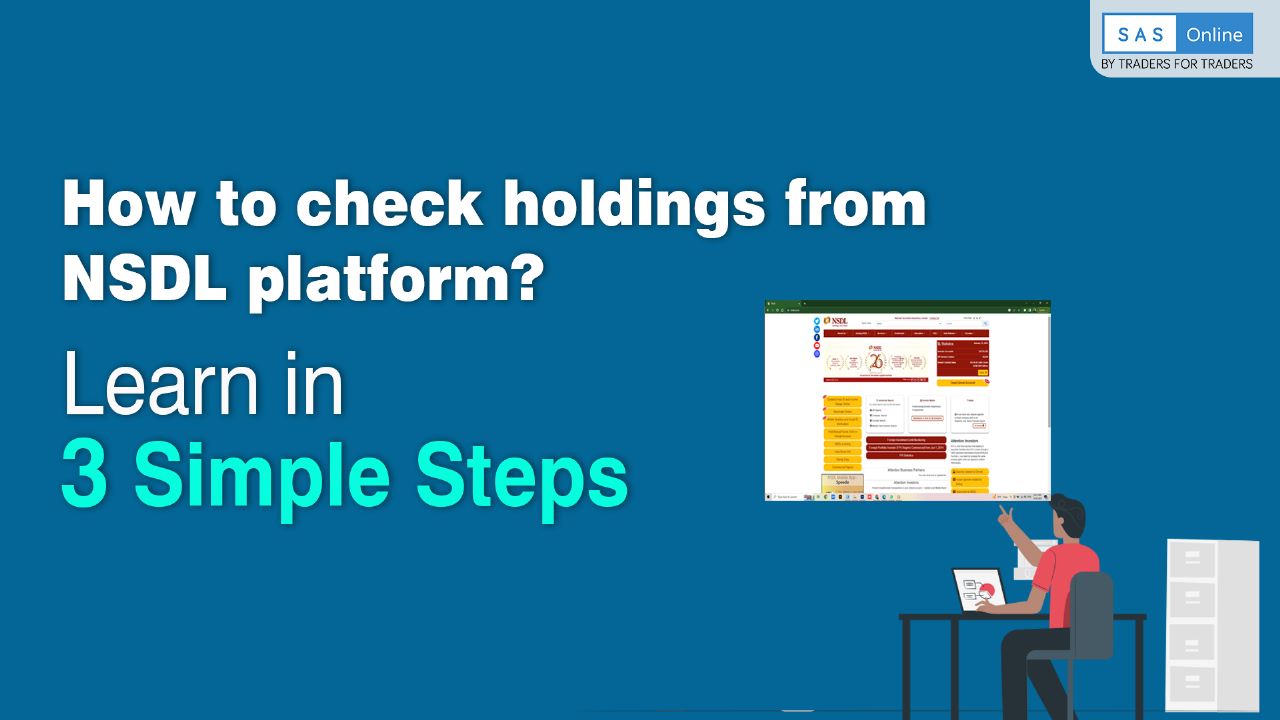
A Step-by-Step Guide to Checking Your Holdings on NSDL
The process can be completed in 3 simple steps
Step 1
Go to NSDL website – www.nsdl.co.in
Step 2
Then You need to register for IDeAS Service of NSDL
- Go to Value Added Services under Services menu option And then click on IDeAs
- Now click on the link https://eservices.nsdl.com/
- And to register as a new user – click on New User Registration
In Registration Request Form –
- You need to Enter a User Id of Your Choice
- Provide your personal details – like – Name, Date of Birth and Email Address
- Your Account Details like – Your Client Id, Your DP Id, Account Holder Name and join holders name if there are more than one
- Select IDeAS in Service Available Option
- Put your Mobile Number
- Create password of your choice
You have successfully registered for IDeAS
Step 3
- Now you just need to login with the user id and password , you can also login with the help of user id and OTP
- After Login – Click on View Statement of Holding under View Option
- You can also download your updated Statement of Holding from here.
That’s It
To watch the video, Click here
Happy Trading with InCred Money Broking Ltd. – BY TRADERS FOR TRADERS