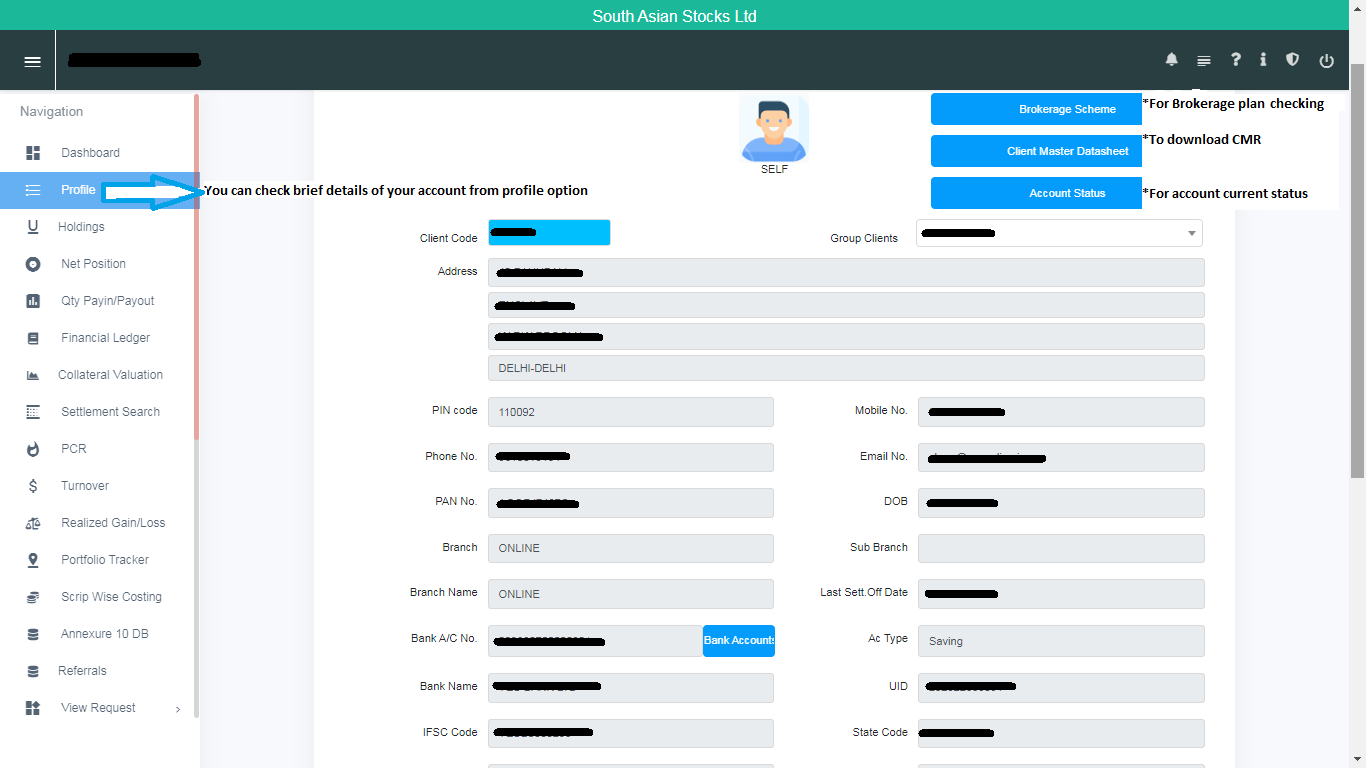
In the Profile section, you can view all your account details, such as your current brokerage plan, KYC details, POA status, and more.
To log in to the Stocko Report Portal, use the following credentials and steps:
- User ID: Your Client Code
- Password: Your PAN card number (in capital letters)
- OTP: Received on your registered mobile number and email ID
Follow the path below to access your profile:
- Enter User ID (your Client Code)
- Enter Password (your PAN in capital letters)
- Enter the OTP received on your registered mobile number and email ID
- Navigate to Profile