
To check your Demat account holdings, log in to the Back Office Portal and follow the steps below:
-
Log in to the Back Office and select DP -24-25.
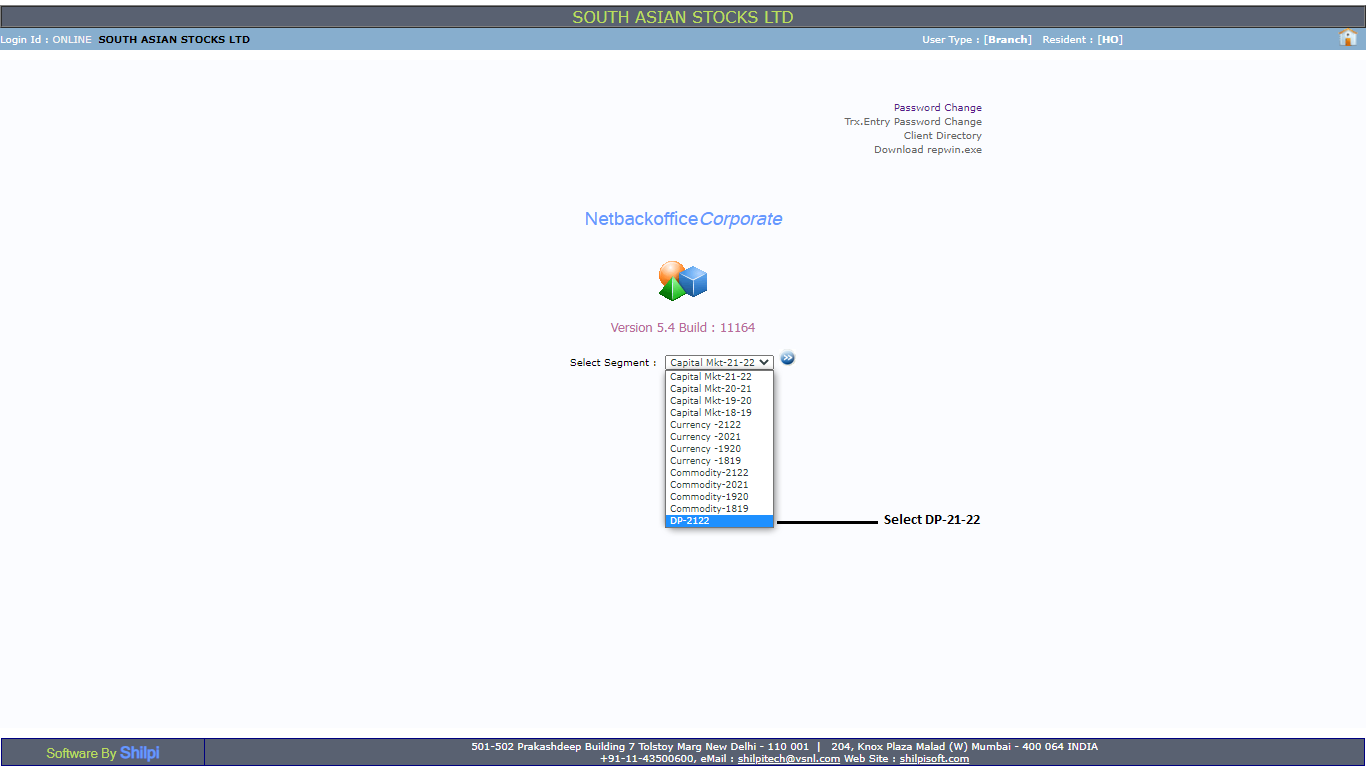
-
Click on Reports >> Holding >> Submit.


To check your Demat account holdings, log in to the Back Office Portal and follow the steps below:
