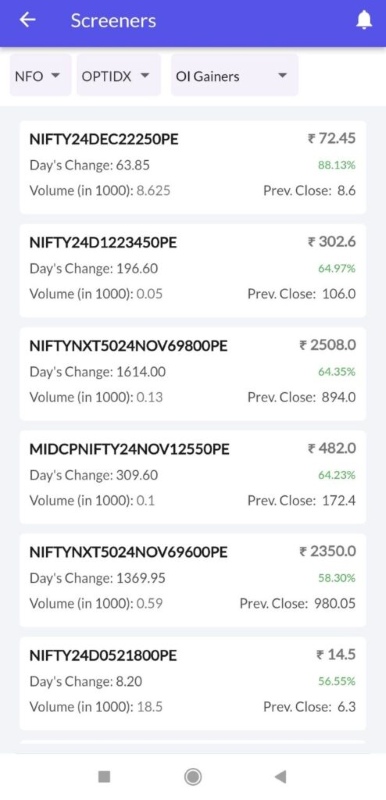
A stock screener is an analytical tool that helps investors filter stocks based on criteria such as top gainers, losers, price, volume, and more.
Watch Screener DEMO video in English >
Watch Screener DEMO video in Hindi >
To check Screeners via Stocko App, kindly follow below steps:-
1 – Log in to the Stocko App
2 – Click on Menu Bar
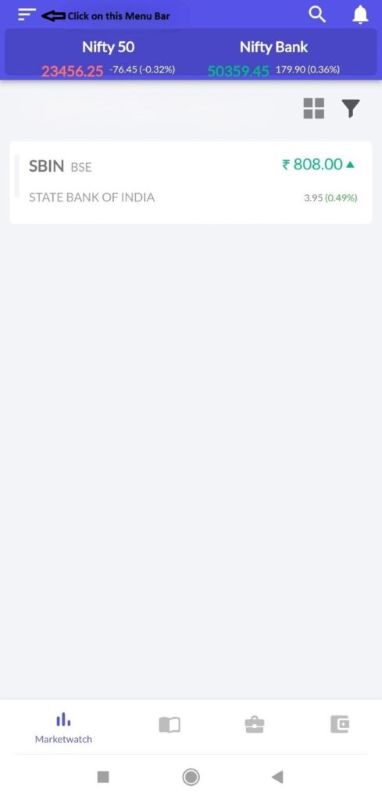
3 – Select Screeners

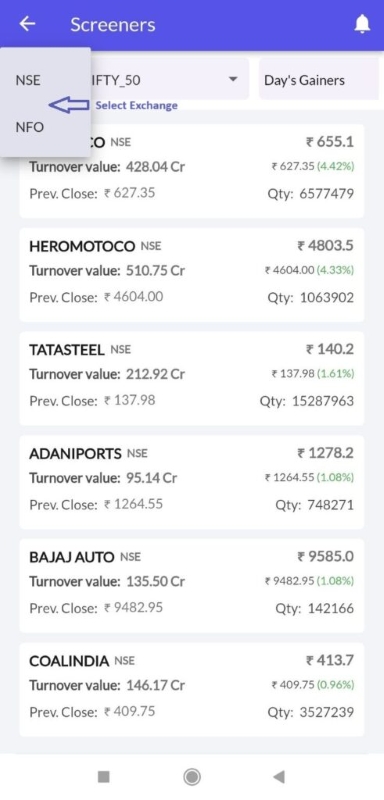
4 – Select Exchange
5 – Select Script/Index
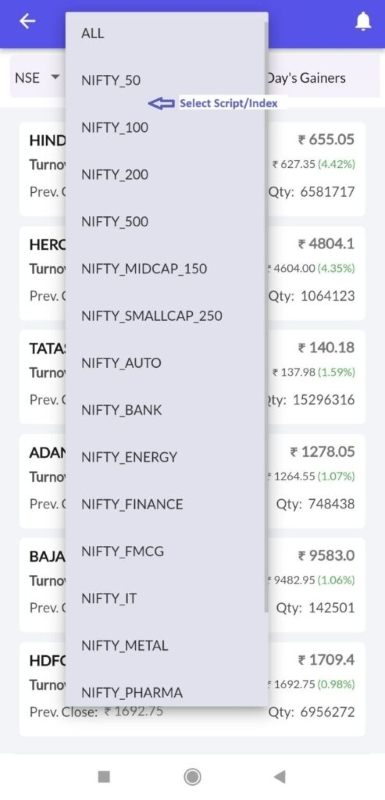
6 – Choose Screener
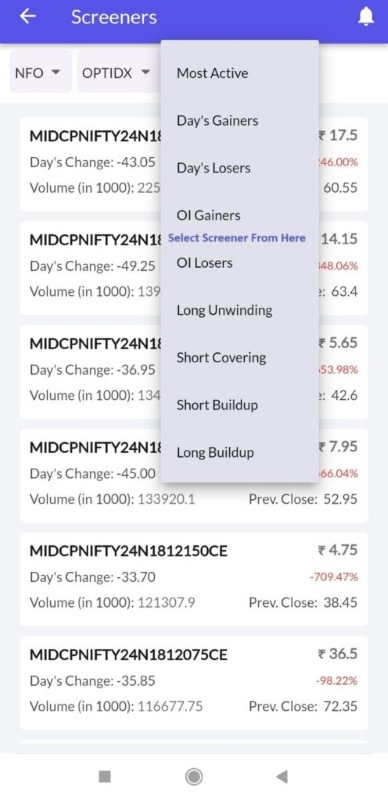
7 – Your Selected Screener Will Appear Like This:-