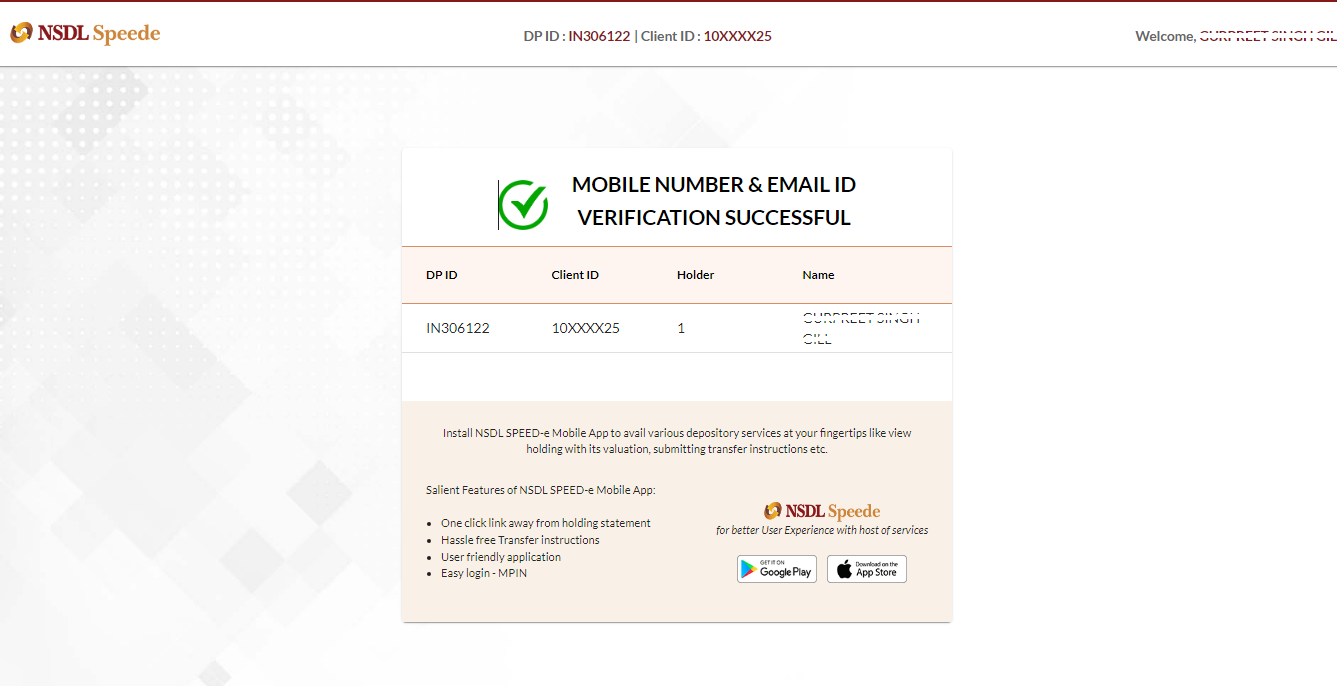

As per the NSDL circular, it is now mandatory to verify your registered mobile number and email ID in your Demat account.
Kindly follow the steps below to verify your contact details:
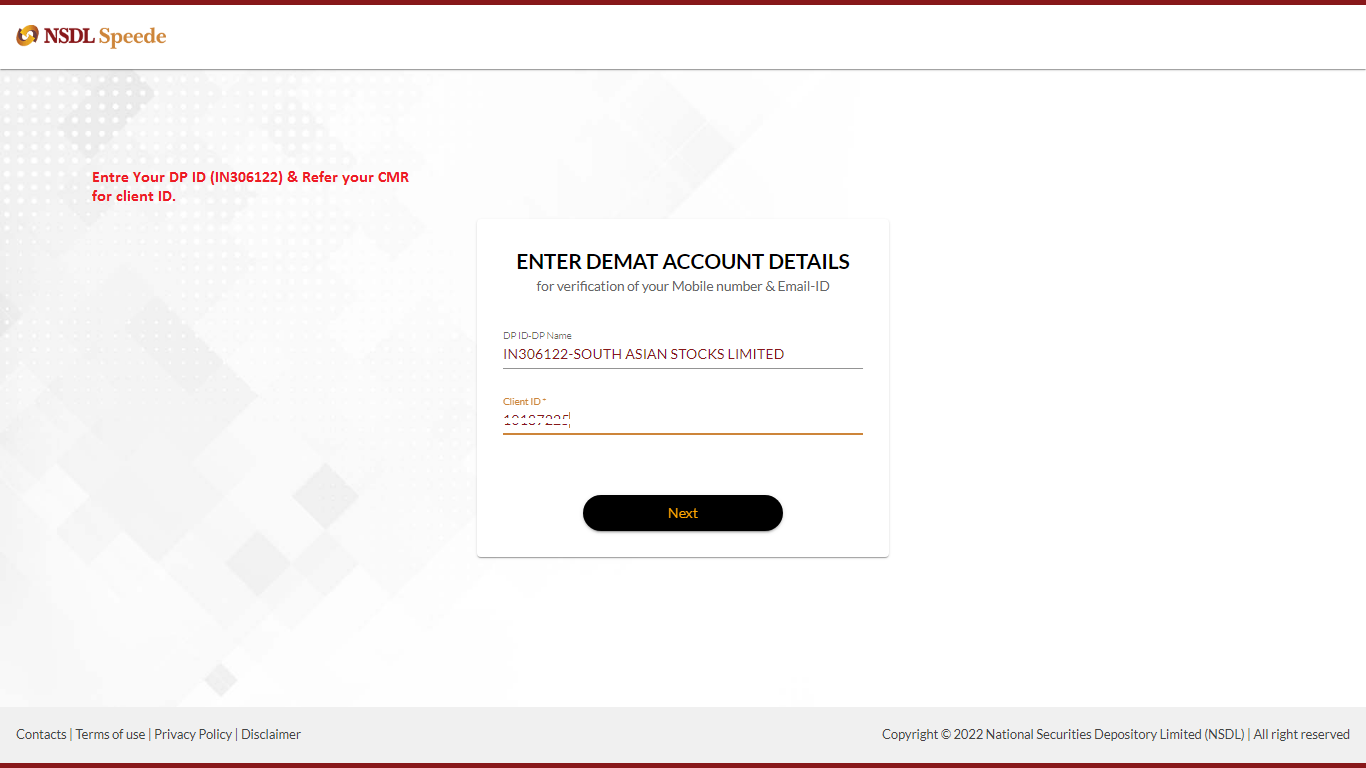
- Click HERE to open the NSDL portal and enter your Stocko DP details. To check your DP details, click here.
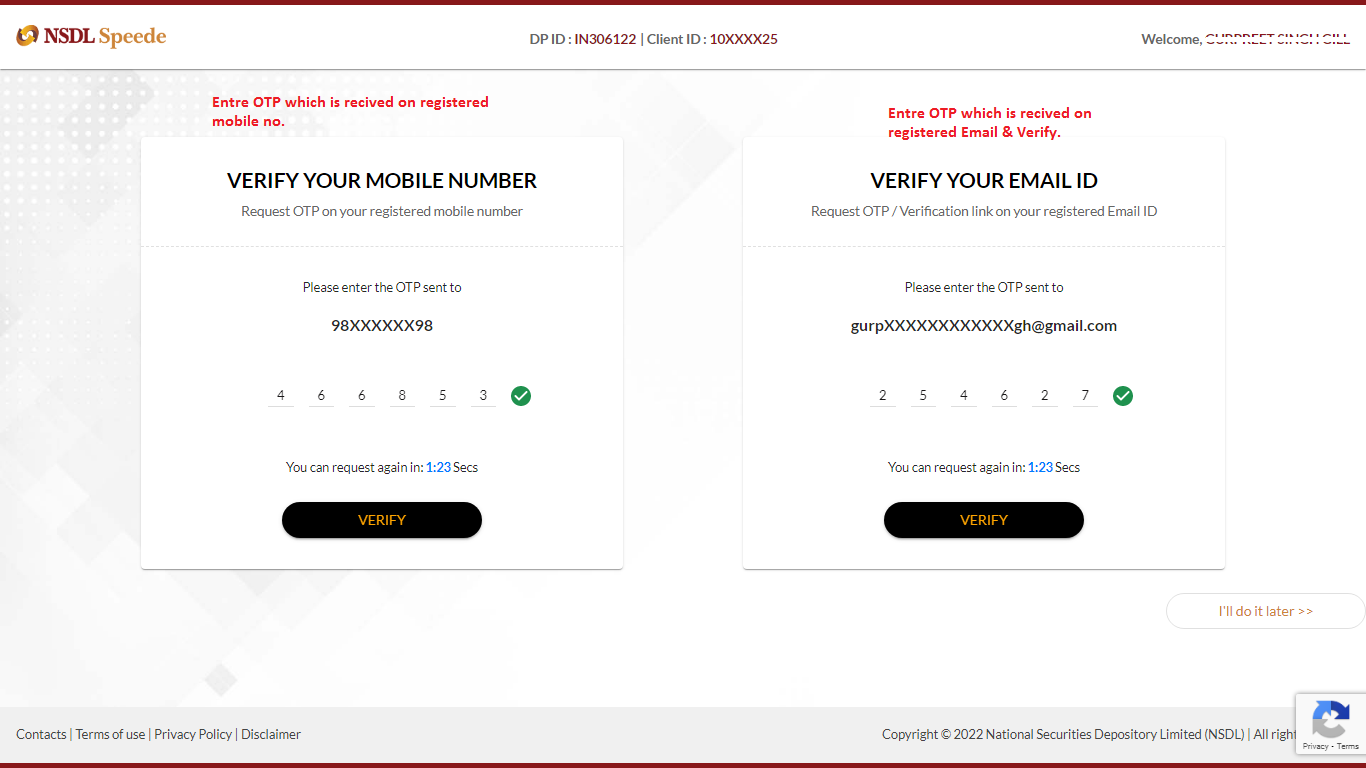
- Enter the OTP received on your registered mobile number and email ID.
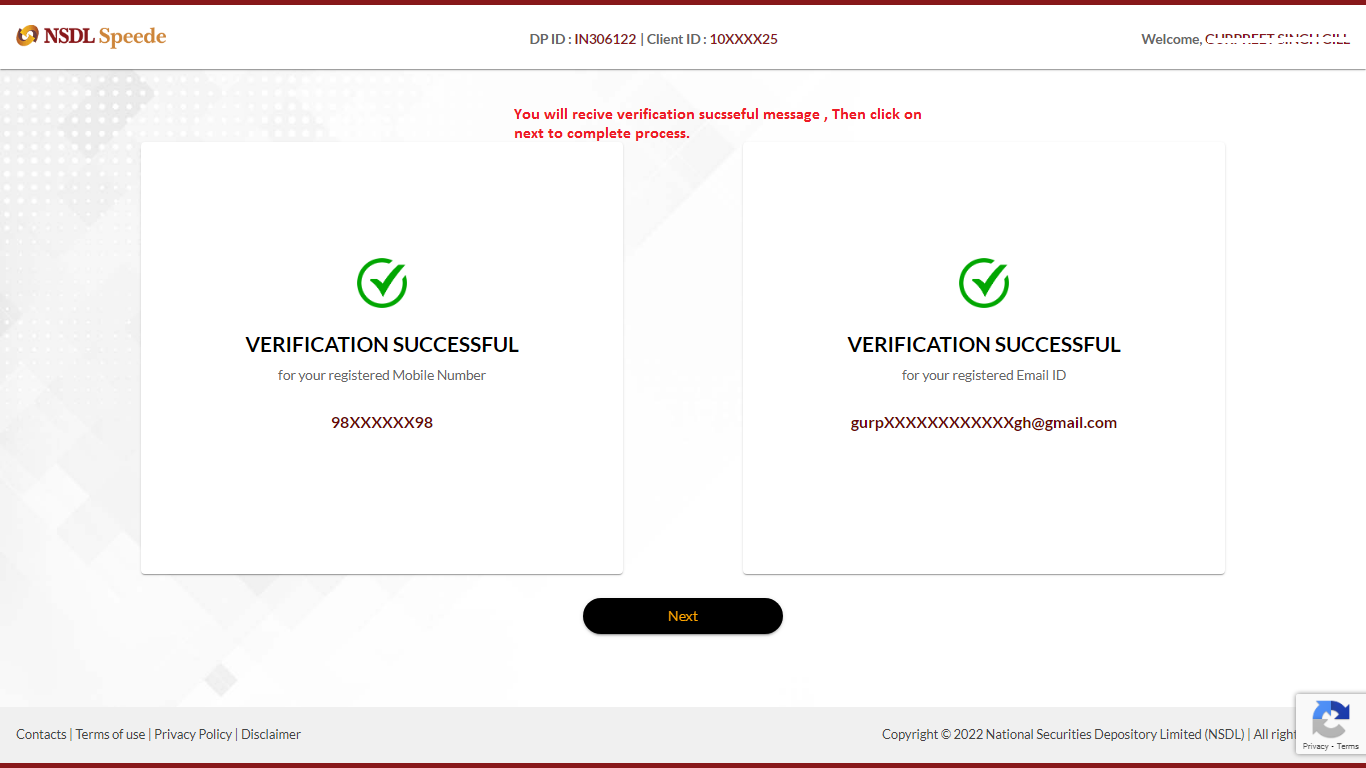
- Once the verification is successful, a confirmation message will appear. Click Next to complete the process.
- The confirmation of mobile number and email verification will be displayed.