

The Unified Payments Interface (UPI) payment option (Google Pay, BHIM, etc.) allows you to transfer funds instantly from your mapped bank account to your trading account.
Kindly refer to the steps below for fund transfer:
- Log in to your InCred Money Broking/NEST Trader, Mobile App or Web version and click on Fund Payin >> Selecet UPI Payment.
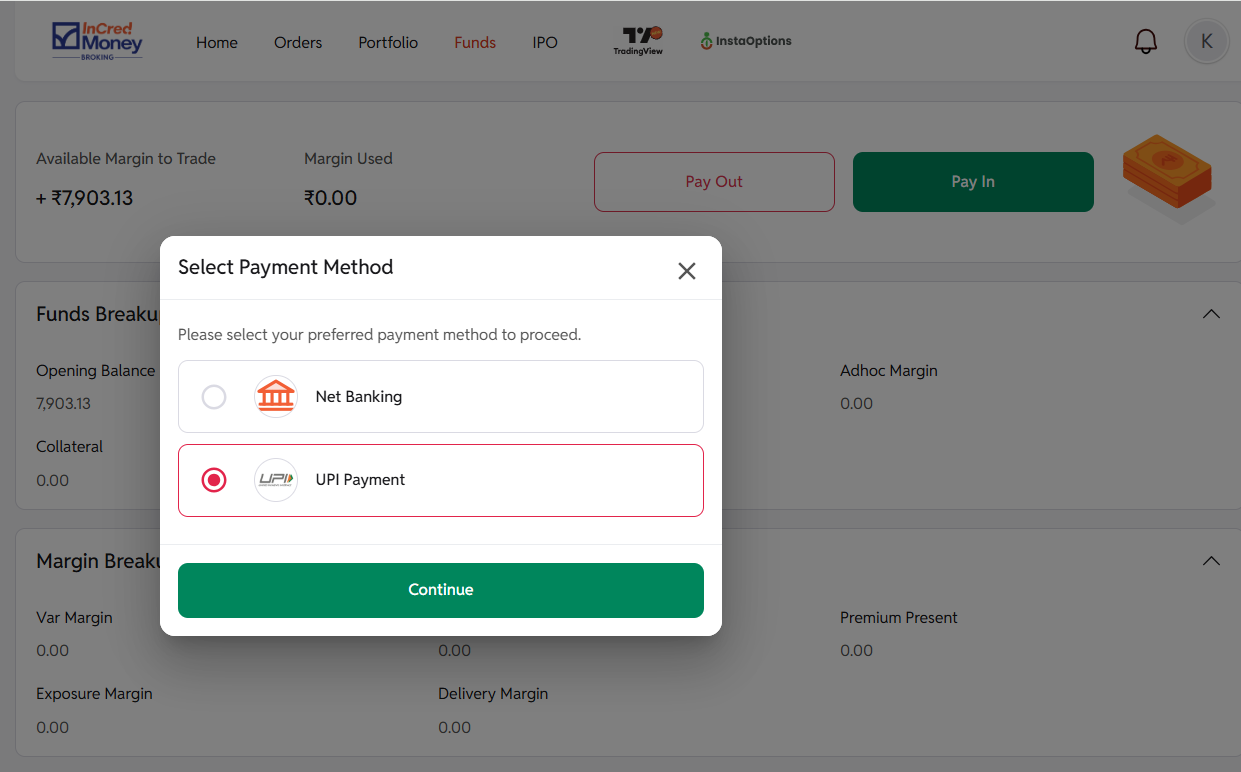
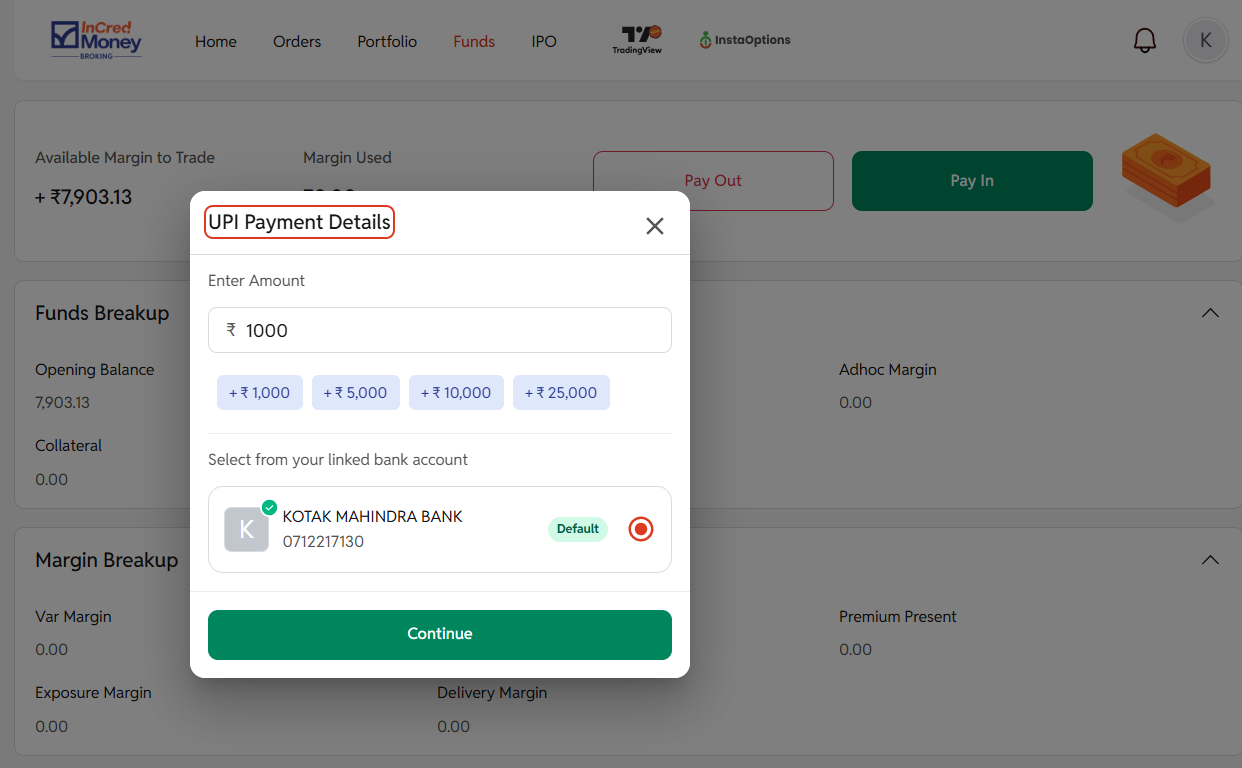
- Enter Amount and select the bank from which you wish to transfer funds.
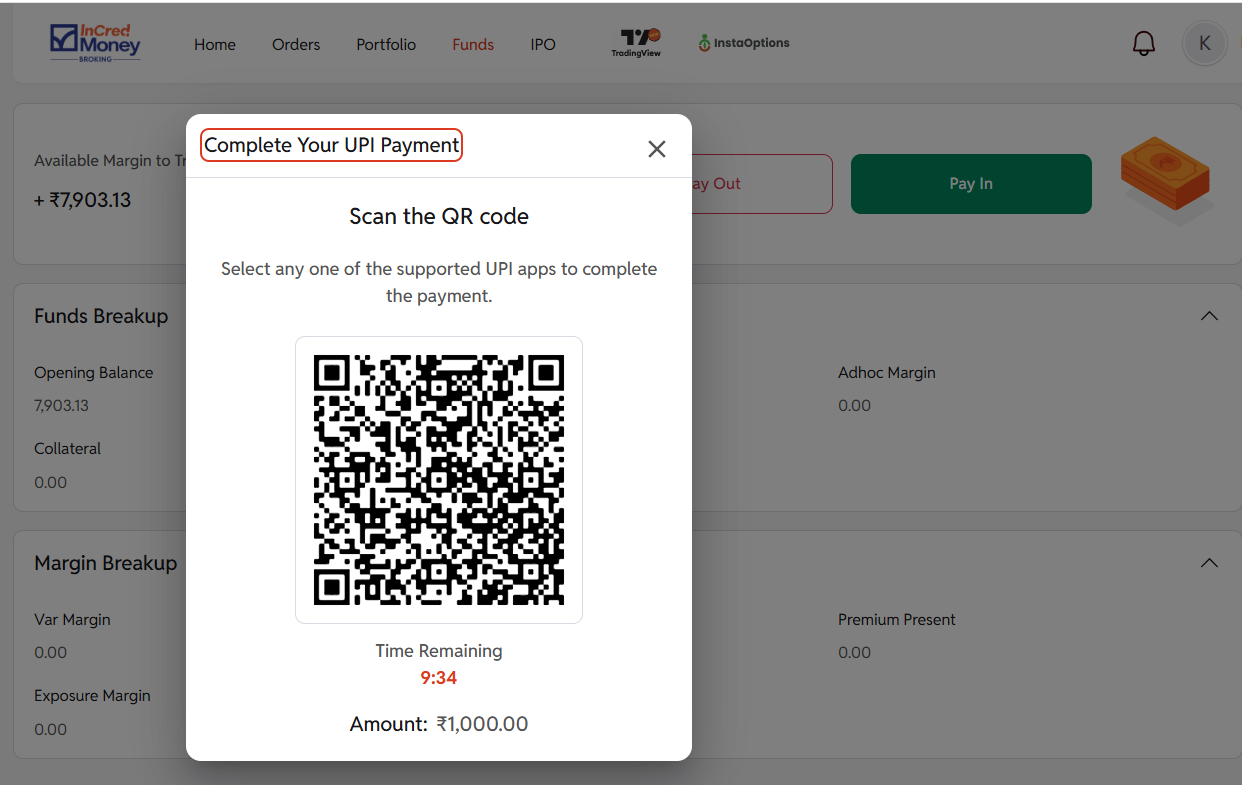
- For WEB Users >> Scan the QR Code from your UPI Payment App >> Complete the payment from register bank account.
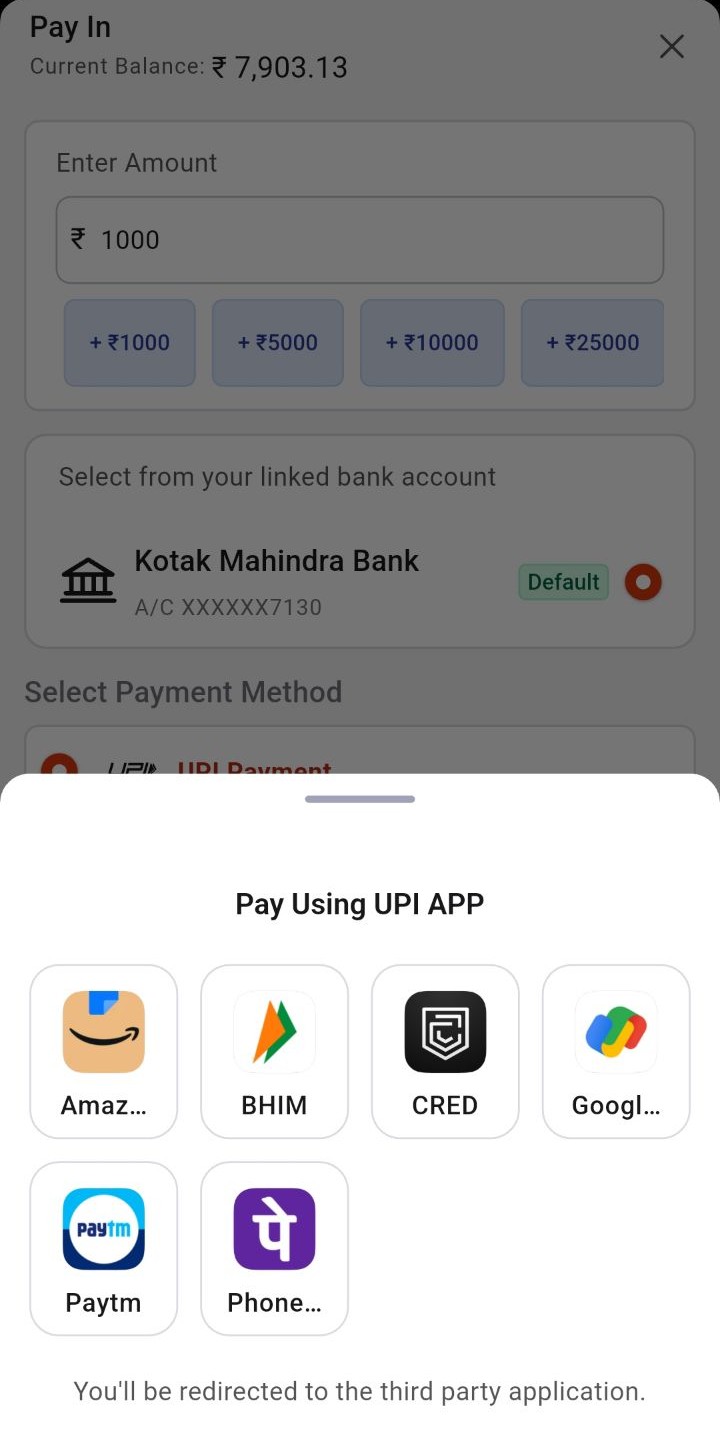
- For Application Users >> Select your UPI Payment App >> Complete the payment from register bank account.
- Once the transaction is approved, your funds will be automatically updated in your trading account.
Note. Most banks have a daily UPI transaction limit of Rs. 2 lakh. Some banks may have a lower limit. You will not be able to transfer funds if your daily bank limit has been exhausted.
