
Electronic Cash Management Services (eCMS) is a specialized tailor-made online payment service offered by HDFC bank. Using eCMS you can directly transfer funds from your HDFC bank account to InCred Money Broking HDFC bank account without any additional charges and on a real-time basis.
- For InCred Money Broking bank details kindly refer to this LINK.
- The newly activated beneficiary will be activated within 30 minutes.
Step1. Open HDFC Bank Net Banking Login https://netbanking.hdfcbank.com/netbanking/
Step 2. Enter your Customer/User ID and click Continue.
Step 3. Select Fund Transfer.
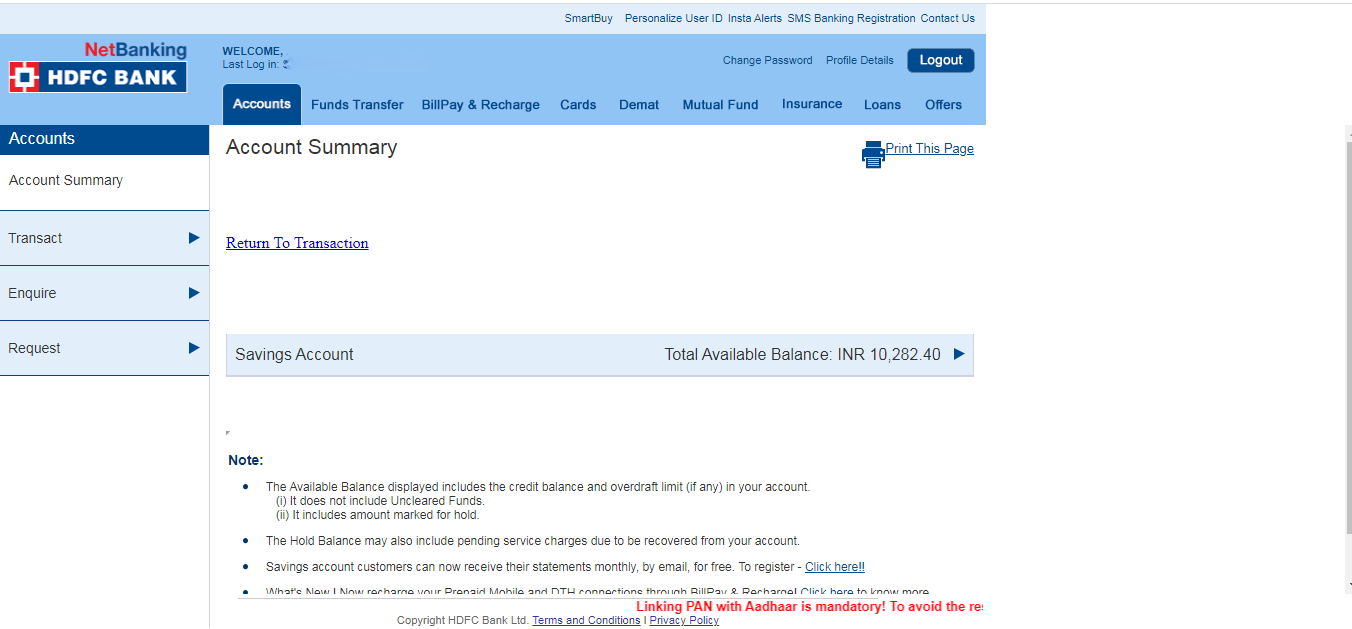
Step 4. Click Go on Transfer to eCMS Account & Add Beneficiary.

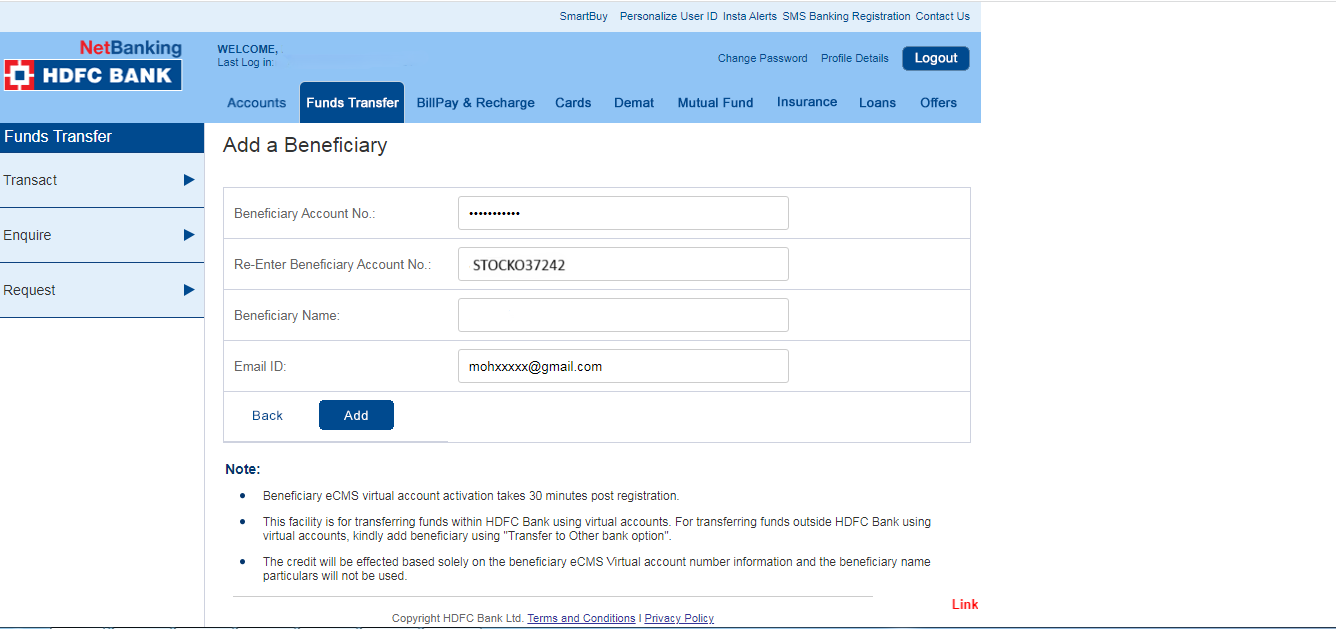
Step 5. Fill InCred Money Broking Ltd. Bank details like Account Number, Name, and Click Add