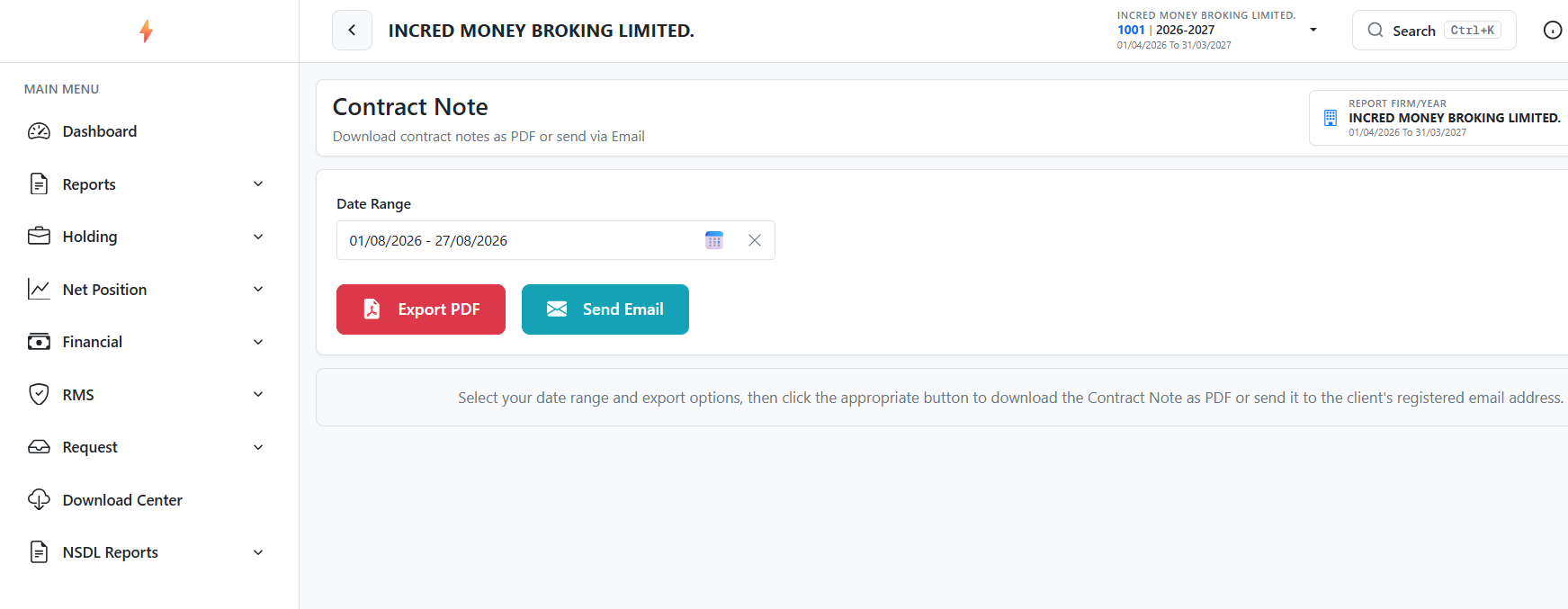

Follow the steps below to view/download Contract Notes:
- Log in to the Back Office Portal.
- Navigate to the Download Center.
- Click Contract Note.
- Select the Date Range.
- You can export the contract notes or select Send Email to receive them for the selected date range on your registered email ID.