
1 – To track or download your Holding Statement, kindly click to the “Holding” section on the Back Office Portal.
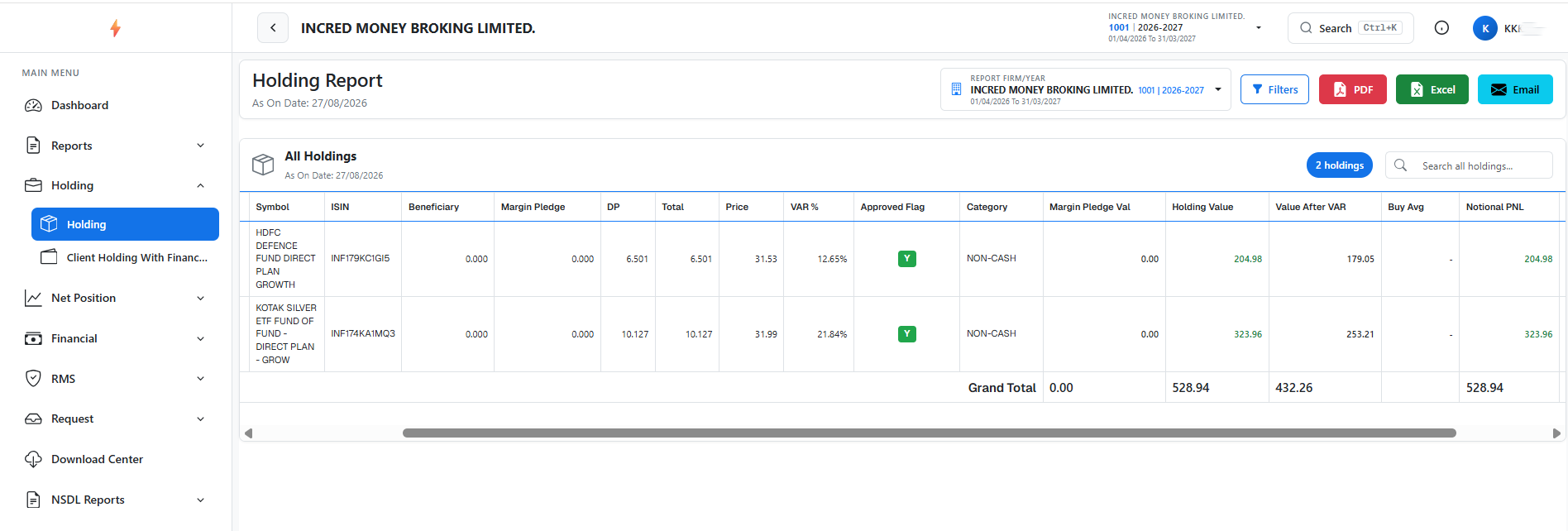
2 – All current holding shares will be appear as below:

1 – To track or download your Holding Statement, kindly click to the “Holding” section on the Back Office Portal.
2 – All current holding shares will be appear as below:
