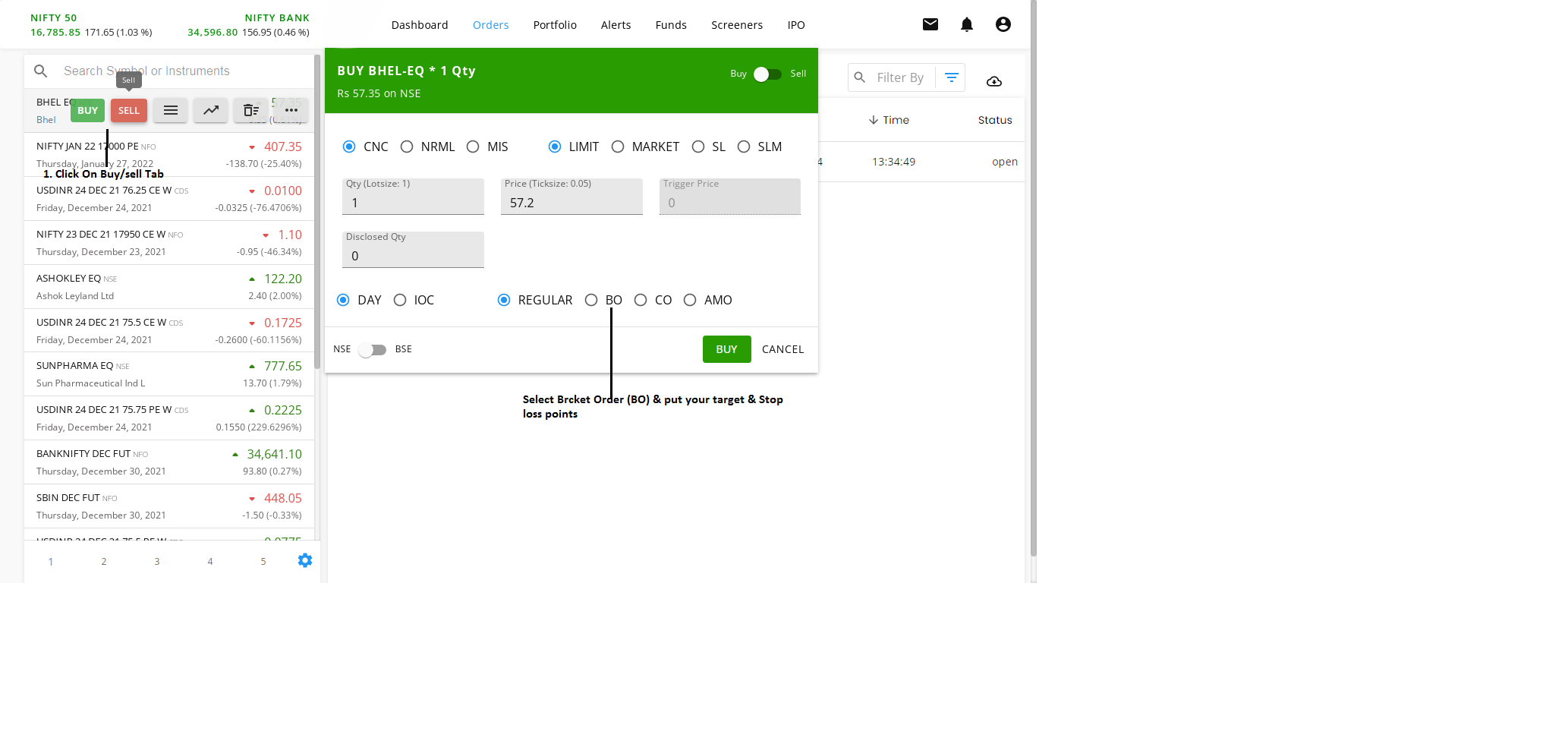

Bracket Order (BO)
A bracket order allows you to enter a new position along with a target and a stop-loss order simultaneously. Once the main order is executed, the system will automatically place the other two orders (Stop Loss and Target). Similarly, as soon as one of the pending orders (Stop Loss or Target) is executed, the other order will be automatically canceled.
To place a Bracket Order (BO):
- Open the Buy/Sell window.
- Select BO instead of Regular. (Refer to the image below for detailed steps.)
For more information on Bracket Orders, refer to this LINK