
Follow the steps below to request a fund payout:
- Log in to the Back Office Portal.
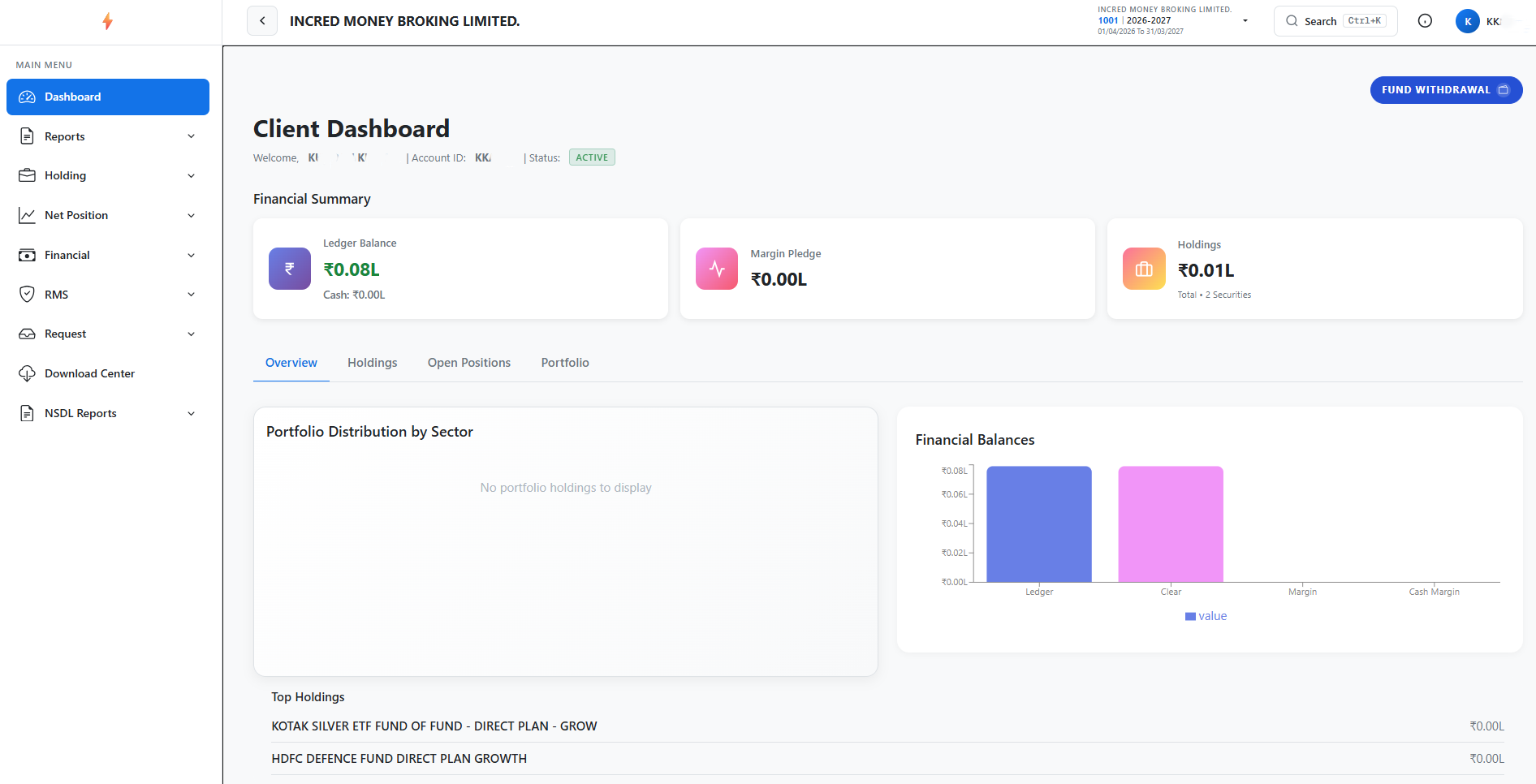
- Navigate to the Dashboard.
- Click Fund Withdrawal.
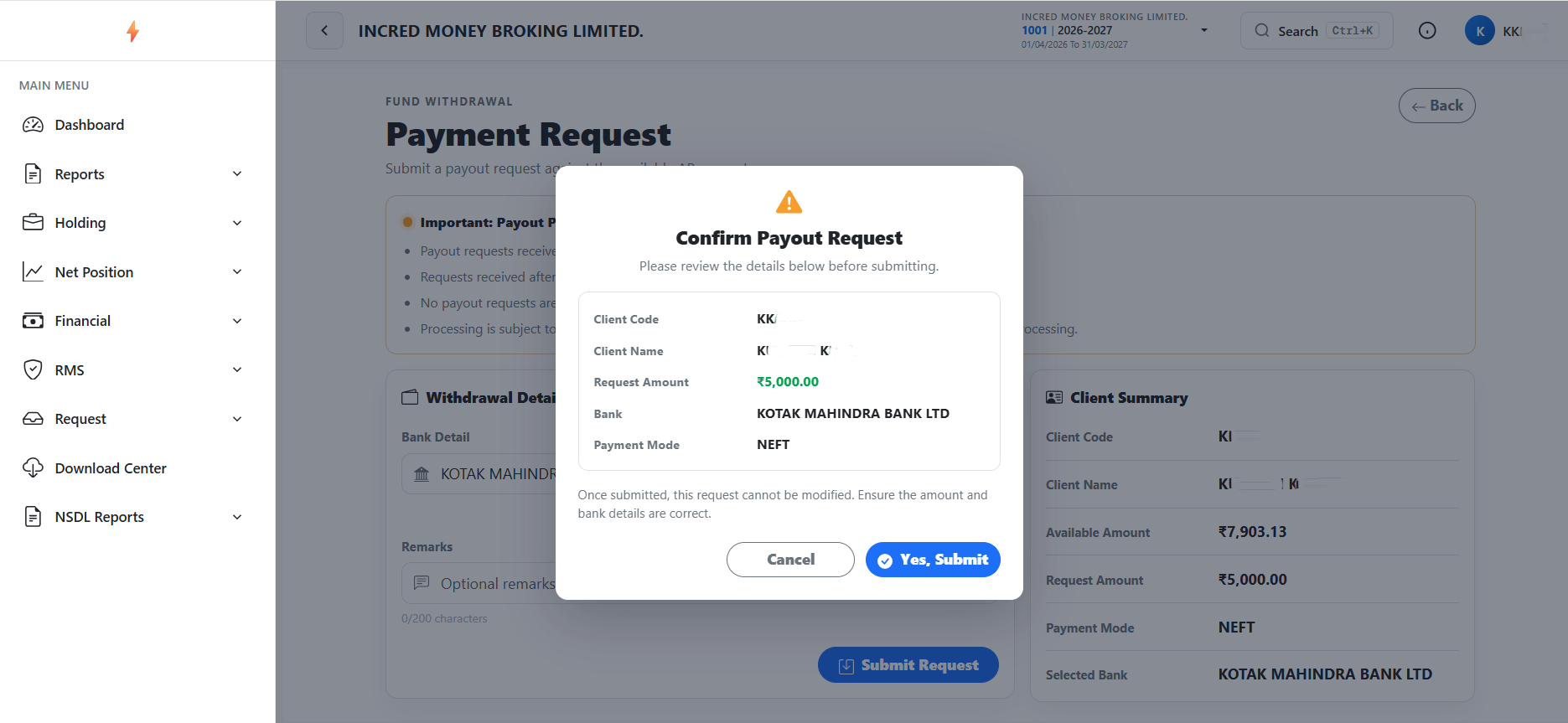
- Select the Bank, enter the desired amount, and click Submit Request.
- A Confirm Payout Request window will Pop-Up >> Yes, Submit.
Request Received.
- Payout request received before 5:30 PM (For Equity/F&O/MCX) will processed on the same working day. Payout requests received after the mentioned time period will be processed the next working day.
- Clients having bank accounts in HDFC Bank will get payout the same day (For Equity/F&O/MCX). For clients with bank accounts with other banks, payout will be credited the next morning.
- No payout requests are processed on Saturdays, Sundays, or settlement/market holidays.
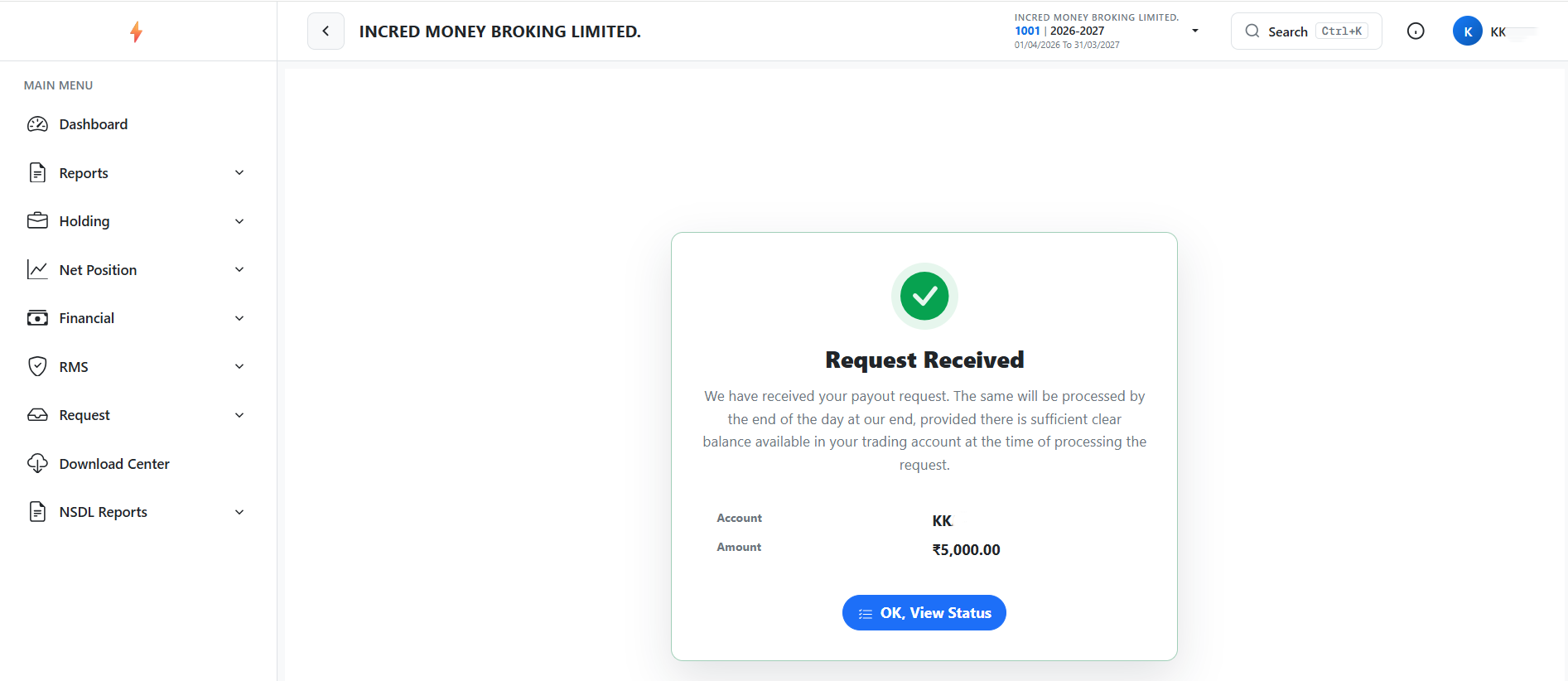
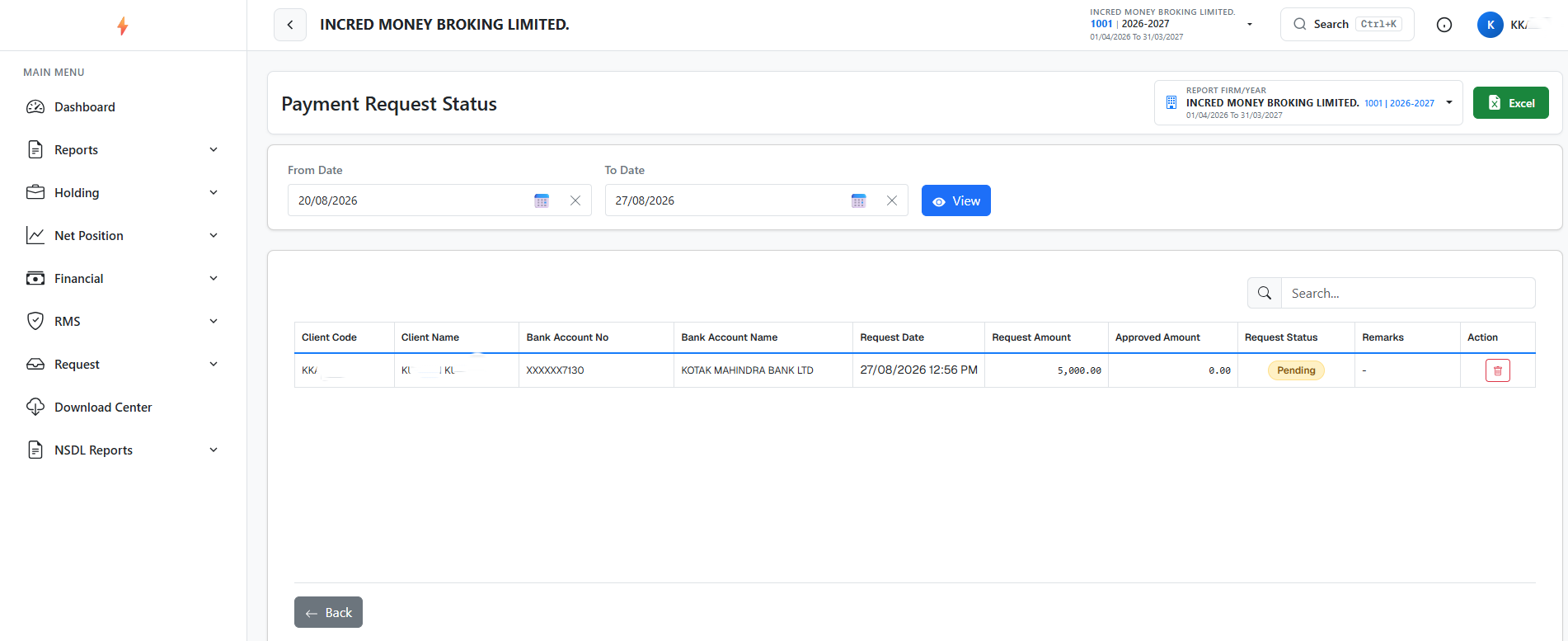
To check your payout request status, click on “View Status” Tab.