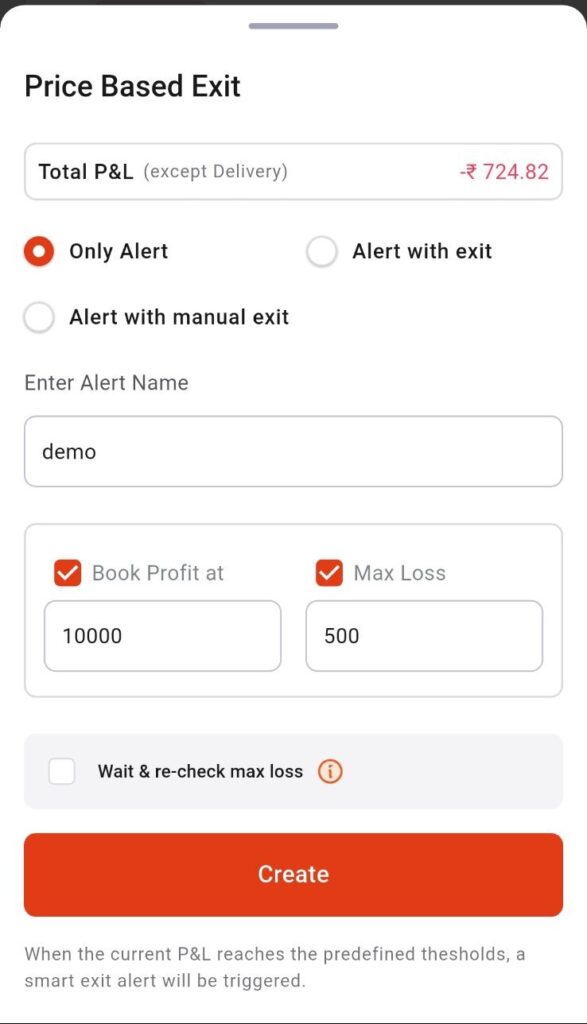

Smart Exit is a feature that automatically exits your trade based on predefined conditions to help protect profits or limit losses.
To place Smart Exit order via the InCred Money Broking App, please follow these steps:-
1 – Login InCred Money Broking App
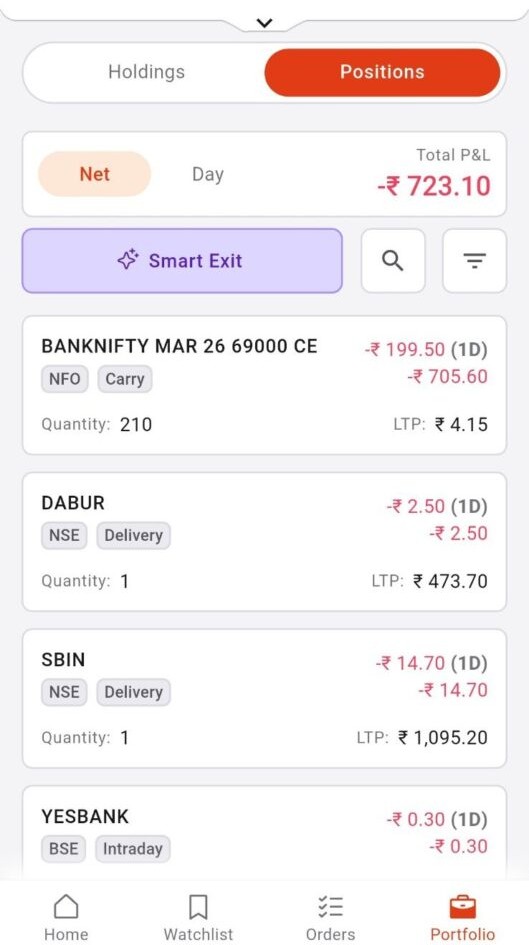
2 – Click on Portfolio >> Positions >> Smart Exit.
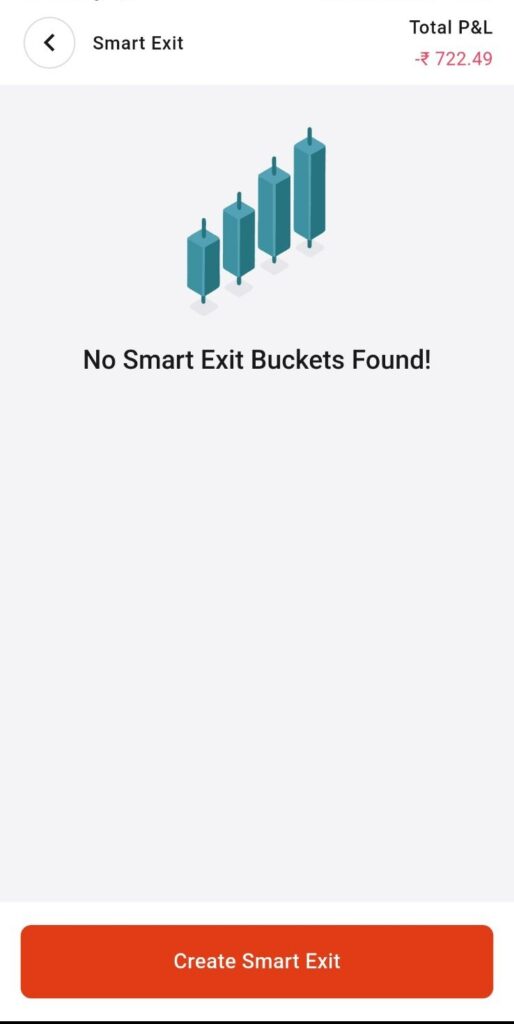
3 – Create Smart Exit.
4 – Select Exit Options >> Time Based Exit or Price Based Exit.
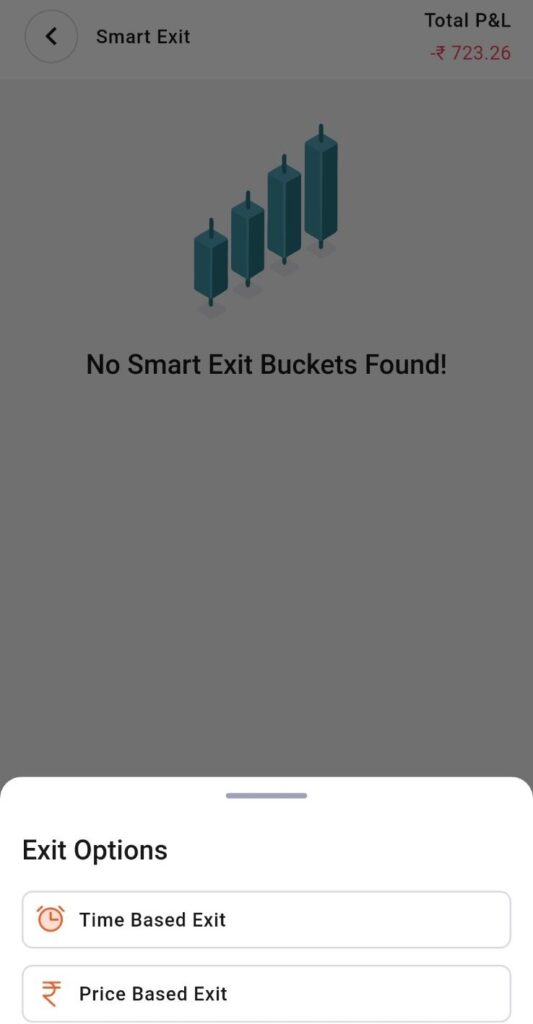
A – Time Based Exit >> Fill the required feilds >> Create.
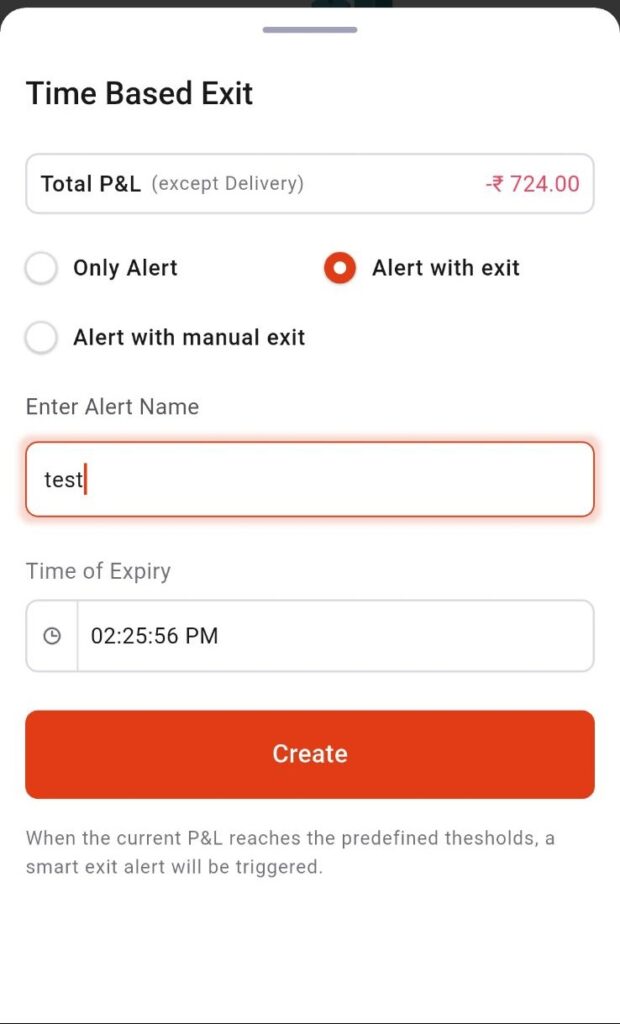
B – Price Based Exit >> Fill the required feilds >> Create.